STUDY 01 / MOTION PATHS
Glass Circuit.
A miniature railway in motion. A locomotive, two coaches, a tiny station.
- offset-path
- offset-rotate
- glass
- animation-delay
Showcase
Studies, and real uses for designers, creative coders and developers.
Every scene on this page is live: drag it, hover it, open it in the
playground. And every use case is embedded with
<gss-scene>, the same tag you can put on your own
site.
Eight longer scenes, one at a time: motion paths, carved geometry, gradients, two Zdog models rebuilt, a camera cut open, the film that announces 0.0.5. Each one opens in the playground.
STUDY 01 / MOTION PATHS
A miniature railway in motion. A locomotive, two coaches, a tiny station.
Your logo, your icons, your tokens: the things you already draw in 2D, in 3D, written like a stylesheet.
Paste the d attribute of your logo into path(): the same drawing becomes a tube you can light, turn and animate. No modelling tool, no export.
#brace-left {
  d: path("M12.5 4.5C9.5 4.5 9 6 9 8.5v4…");
  view-box: 0 0 32 32;
  stroke-width: 2.4;
}One stylesheet for the whole set. Change --accent or --finish and every icon follows, like tokens in a design system.
scene {
  --accent: #ff5a36;
  --finish: jelly(0.55);
}

.icon {
  color: var(--accent);
  material: var(--finish);
}Rules instead of loops, and a readable way into the shader: every scene becomes GLSL you can read, and export.
* 36 makes 36 objects; sibling-index() gives each its own angle, height and hue. The rule is the algorithm.
.bead {
  --i: sibling-index();
  translate: calc(-1 * cos(var(--i) * 30deg) * var(--r))
             calc(var(--i) * 0.09)
             calc(sin(var(--i) * 30deg) * var(--r));
  color: hsl(calc(var(--i) * 10) 85% 60%);
}
open in playground ↗usessibling-index()calc()sin(), cos()hsl()
The playground turns any scene into a shader Shadertoy runs as is. Start in CSS, then keep going in GLSL: the GLSL tab shows every line GSS wrote.
#ring {
  material: gold;
  animation: tumble 7s linear;
}

@keyframes tumble {
  to { rotate-x: 1turn; rotate-z: -0.5turn; }
}A 3D scene is a stylesheet: small enough to ship, simple enough for an LLM to write.
Compile the scene at build time with the Vite plugin: the page ships a 10 kB runtime and one shader. :hover works out of the box.
import { mount } from "gss-lang/runtime";
import hero from "./hero.gss"; // compiled by gss-lang/vite

mount(document.querySelector("canvas"), hero);Every LLM already knows CSS by heart, so it writes GSS without any training; the compiler writes the GLSL. This scene came from a one-line prompt.
<script type="module" src="https://www.gss-lang.dev/embed.js"></script>

<gss-scene>
  <script type="text/gss">
    /* what the model wrote */
  </script>
</gss-scene>Three ways to put a scene on a page, from a tag you paste to a build step that keeps the compiler out of the page.
<script type="module" src="https://cdn.jsdelivr.net/npm/gss-lang@0.0.5/lib/embed.js"></script>

<gss-scene src="logo.gss"></gss-scene>
<gss-scene controls="none">
  <script type="text/gss"> @scene { sphere; } </script>
</gss-scene>import { mount } from "gss-lang";
const scene = mount(canvas, "@scene { sphere; }");
scene.update(otherSource);
scene.destroy();// vite.config.ts
import gss from "gss-lang/vite";
export default { plugins: [gss()] };
// main.ts: the compiler stays out of the page
import { mount } from "gss-lang/runtime";
import logo from "./logo.gss";
mount(canvas, logo);
noteA scene paints its whole canvas, and a transparent object
shows the scene behind it, not the page: give the scene the
background of your page. A browser keeps about 16 WebGL
contexts; a scene only starts when it comes into view, and sleeps when
it leaves it.
Scenes to start from. Each one opens in the playground, where you can change it and share it with a link.
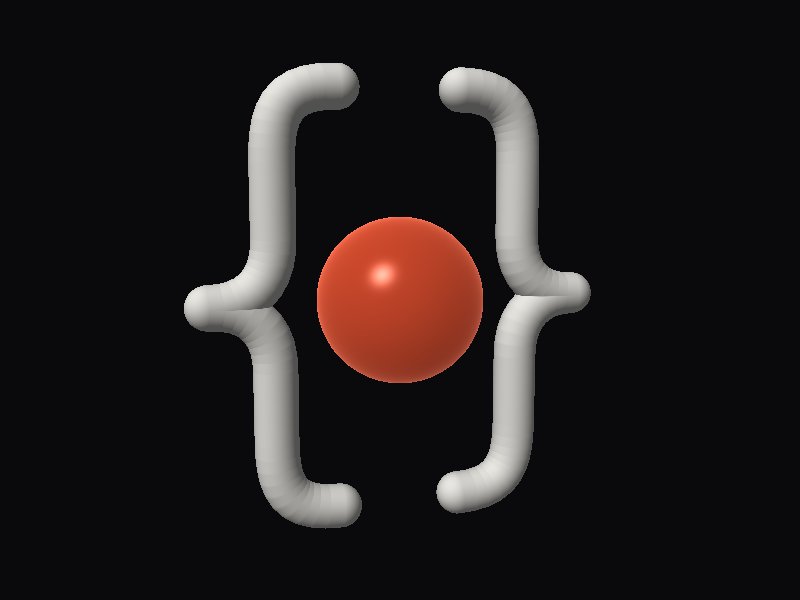
/* Designers: your SVG logo, in 3D.
   The braces are the d="…" of the flat mark, pasted into path(). */

@scene {
  group#logo {
    path#brace-left;
    path#brace-right;
    sphere#dot;
  }
}

scene {
  background: #0a0a0c;
  floor: none;
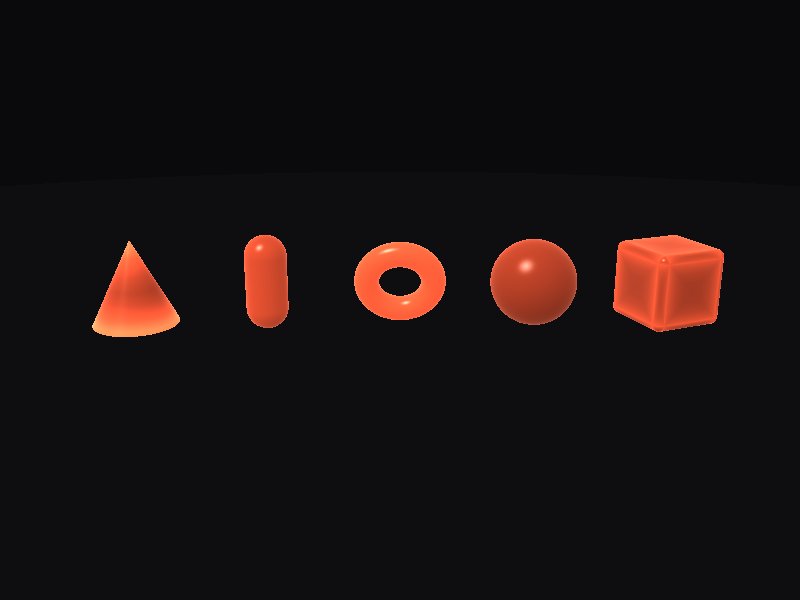
/* Designers: a 3D icon set, themed by two variables.
   Change --accent or --finish: every icon follows. */

@scene {
  cube.icon;
  sphere.icon;
  torus.icon;
  capsule.icon;
  cone.icon;
}

scene {
  --accent: #ff5a36;
  --finish: jelly(0.55);
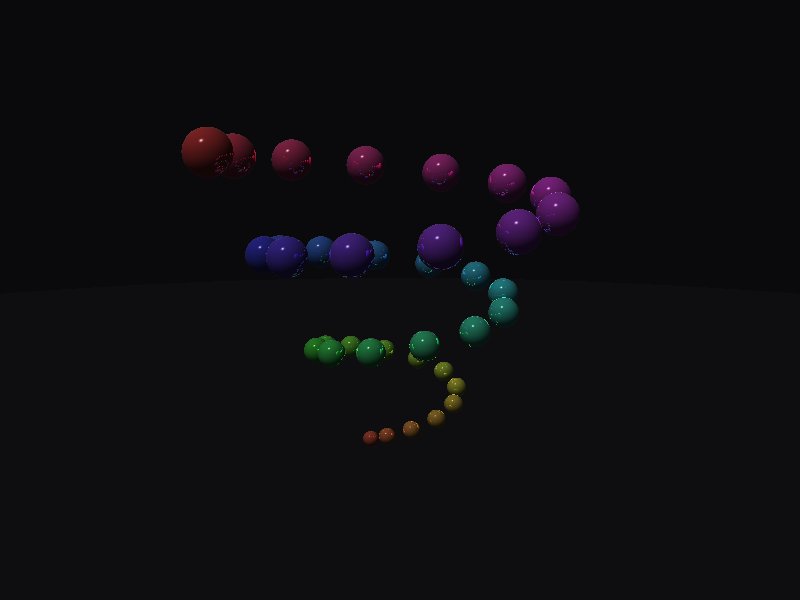
/* Creative coders: one rule, 36 objects.
   sibling-index() gives every bead its own angle, height and hue. */

@scene {
  sphere.bead * 36;
}

scene {
  background: #0a0a0c;
  floor: #111114;
  camera-distance: 10;
  camera-angle: 0deg 12deg;
  camera-spin: 40s;
  camera-target: 0 1.6 0;
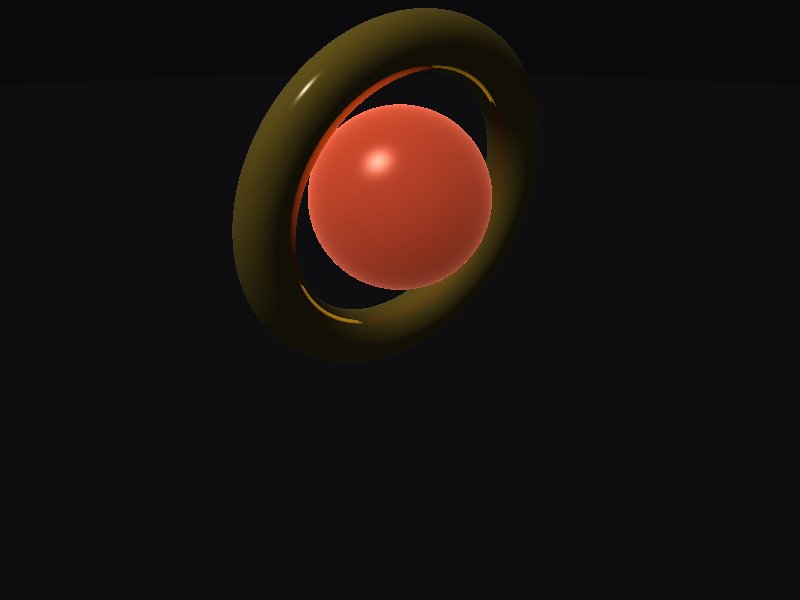
/* Creative coders: write it in GSS, publish it on Shadertoy.
   The → shadertoy button of the playground gives a shader Shadertoy runs as is. */

@scene {
  torus#ring;
  sphere#core;
}

scene {
  background: #0a0a0c;
  floor: #111114;
  camera-distance: 6;
  camera-angle: 0deg 22deg;
}
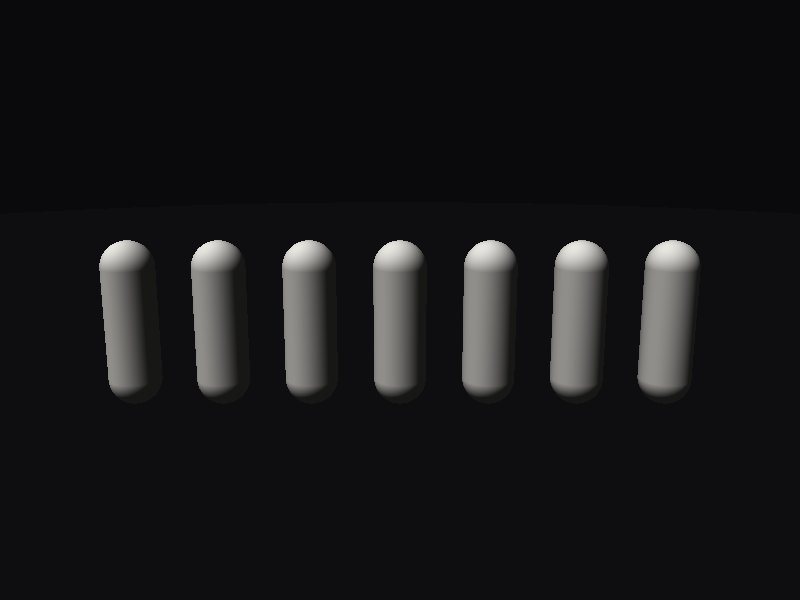
/* Developers: a hero that answers the mouse, with no Three.js.
   Hover a pillar: it rises. */

@scene {
  capsule.pillar * 7;
}

scene {
  background: #0a0a0c;
  floor: #111114;
  camera-distance: 7.5;
  camera-angle: 0deg 14deg;
  camera-target: 0 0.9 0;
}
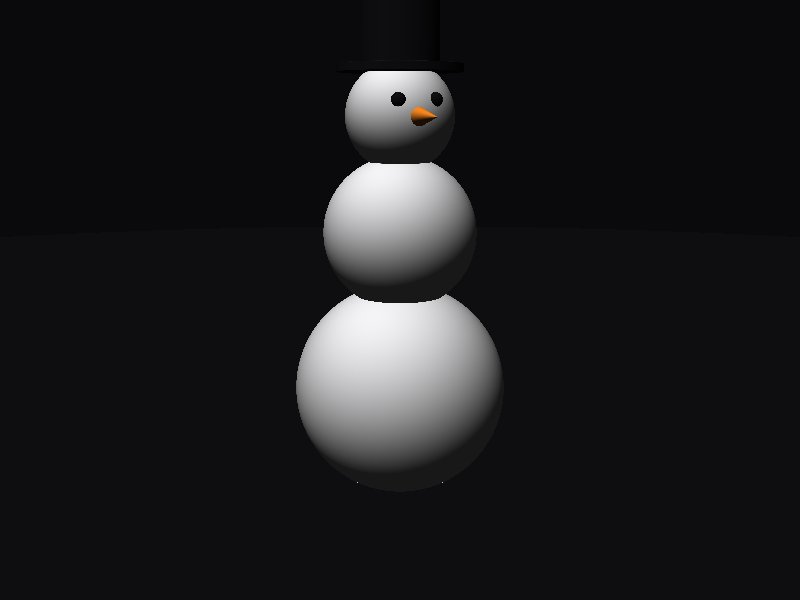
/* Developers: 3D an LLM writes well, because it already knows CSS.
   Prompt: "A small snowman on a dark floor, with a carrot nose and a black hat." */

@scene {
  group#snowman {
    sphere#base;
    sphere#body;
    sphere#head;
    cone#nose;
    sphere.eye#eye-left;
    sphere.eye#eye-right;
    cylinder#brim;
    cylinder#hat;
  }
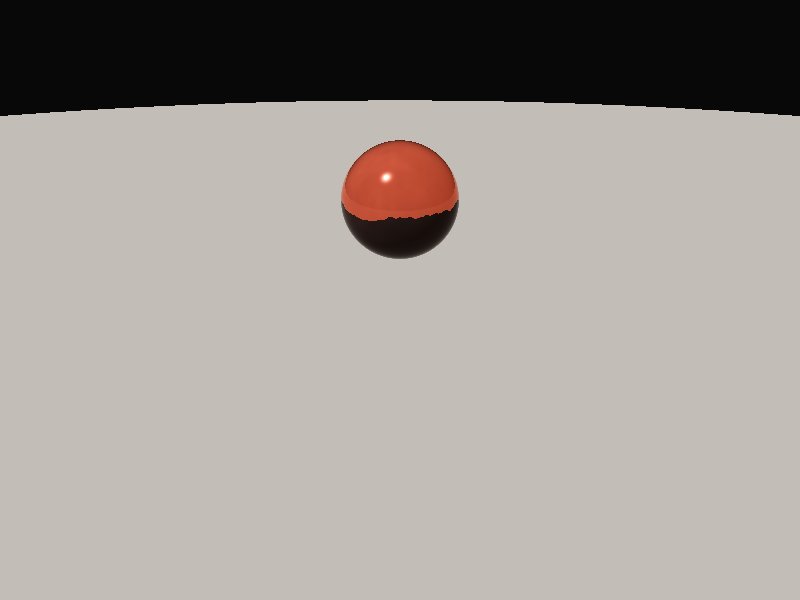
@scene {
  sphere#ball;
}

#ball {
  translate: 0 1 0;
  color: #ff5a36;
  material: glass(1.5, frosted 0.3);
  animation: float 2s ease-in-out alternate;
}

@keyframes float {
  from {
    translate: 0 1 0;
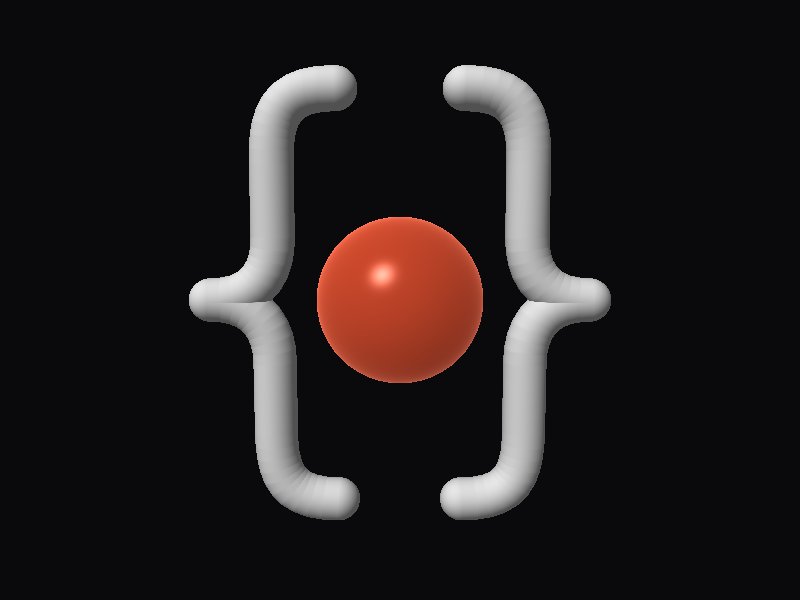
/* The GSS logo, drawn in GSS: { ● } */

@scene {
  path#brace-left;
  path#brace-right;
  sphere#dot;
}

scene {
  background: #0a0a0c;
  floor: none;
  light: -30deg 40deg;
  ambient: 0.35;
  camera-target: 0 0 0;
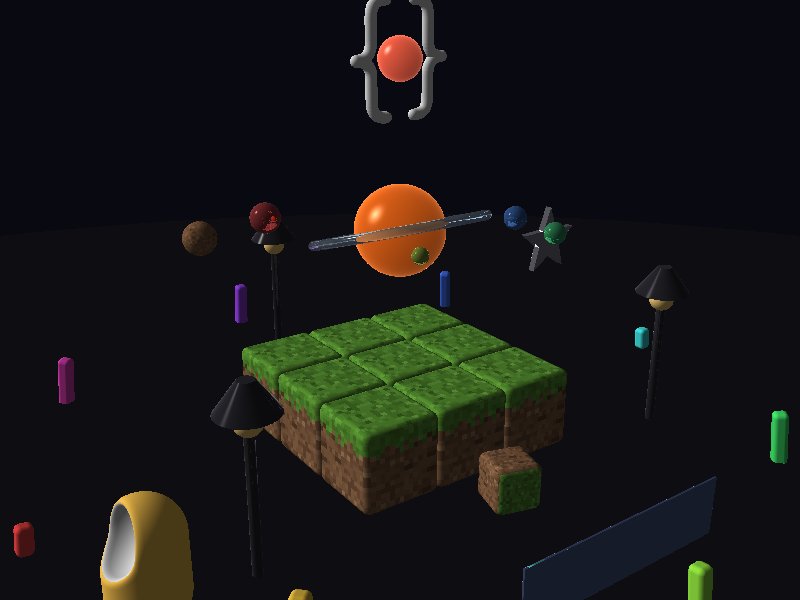
/* L'Orrery: a fairground planetarium on a Minecraft plinth.
   Every feature of GSS, in one scene. Hover the planets, the lamps and the sun. */

@scene {
  /* The plinth: 3 rows of 3 grass blocks, and a sign in front */
  group#plinth {
    group.row * 3 {
      cube.block * 3
    }
    cube#sign
  }

  /* The sky machine: a sun, its ice ring, five planets and a dirt moon */
  sphere#sun
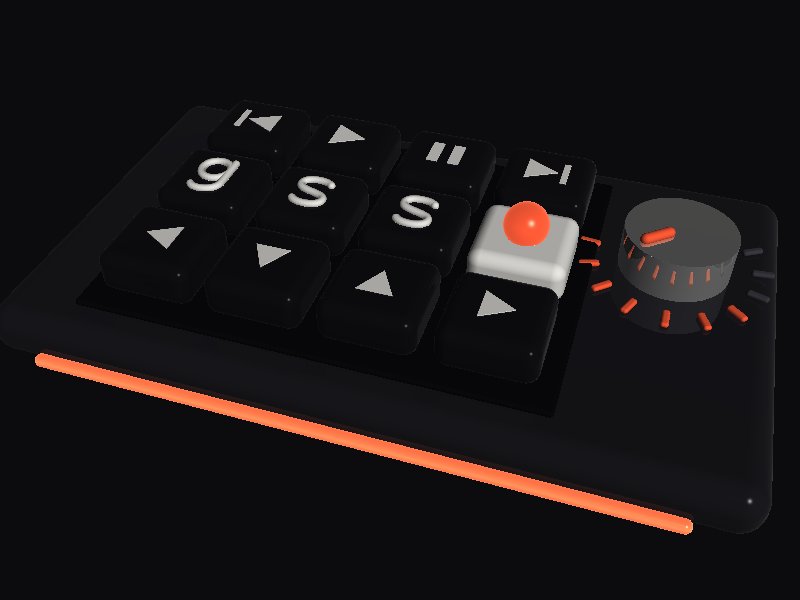
/* Macro pad: a product hero in one style sheet.
   Hover a key: it goes down and lights up. Hover the knob: it glows.
   Re-theme the whole pad with the four variables of scene. */

@scene {
  group#pad {
    cube#case;
    cube#plate;
    capsule#led;

    /* Row 1: media keys */
    group.row#media {
      group.key#prev {
        cube.cap prism.legend
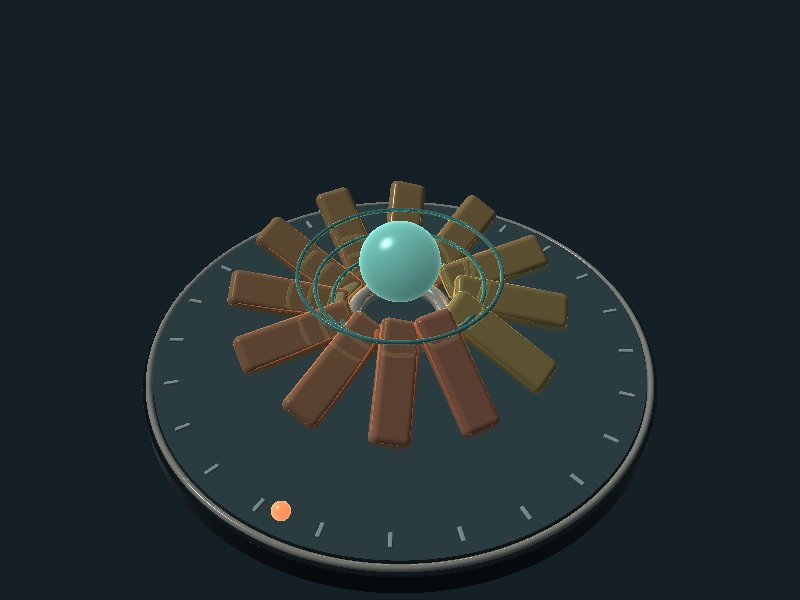
/*
 * TIDAL / a kinetic breathing instrument
 * 0-4 seconds: inhale / petals open and the pearl rises.
 * 4-10 seconds: exhale / petals close and the pearl falls.
 * The orbiting marker completes one lap per breath.
 * Hover a petal to reveal its warm underside color.
 * Procedural animation, not live sensor data.
 */

@scene {
  cylinder#plinth;
  cylinder#deck;
  torus#rim;
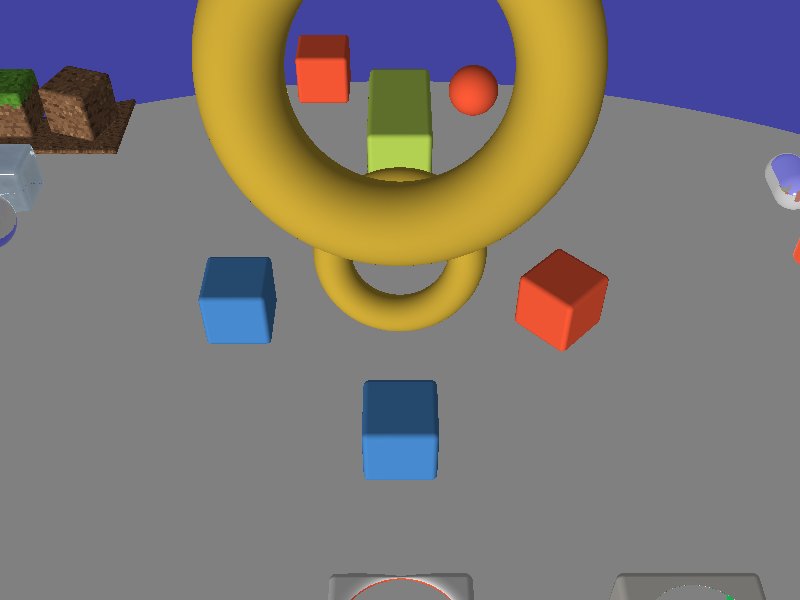
/* Every feature of GSS, one zone each
  One zone per feature, placed apart so they never overlap:
    Zone 1 (center)  transforms: translate, rotate, scale, size, classes
    Zone 2 (back)    operations: blend, subtract
    Zone 3 (front)   animations: @keyframes
    Zone 4 (left)    materials: matte, metal, jelly, glass, ice
    Zone 5 (right)   shapes: cylinder, cone, capsule
    Zone 6 (back right) paths: the GSS logo
    Zone 7 (front left) textures: dirt, grass, ::face(), image-rendering, texture-size
 */

@scene {
  /* Zone 1: transforms */
  cube#left.corner;
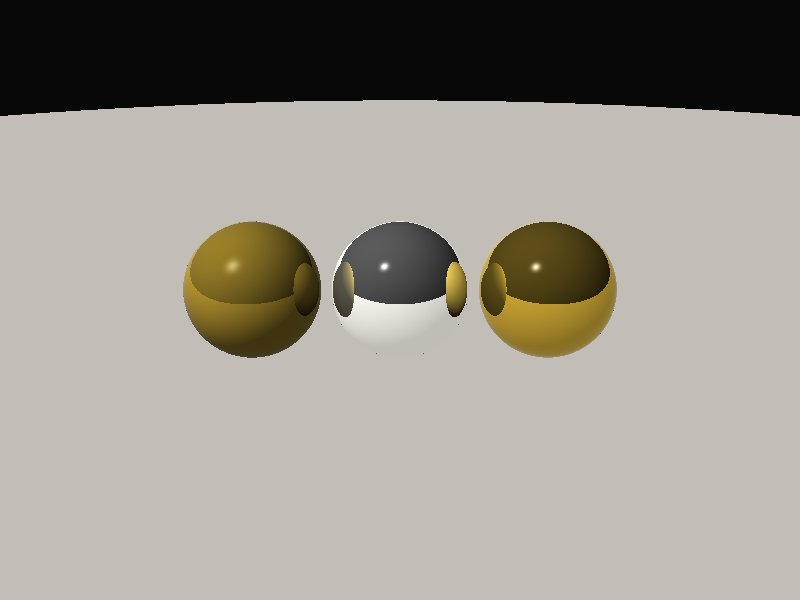
@scene {
  sphere#a;
  sphere#b;
  sphere#c;
}

#a {
  translate: 1.3 0.6 0;
  radius: 0.6;
  material: gold;
}

#b {
  translate: 0 0.6 0;
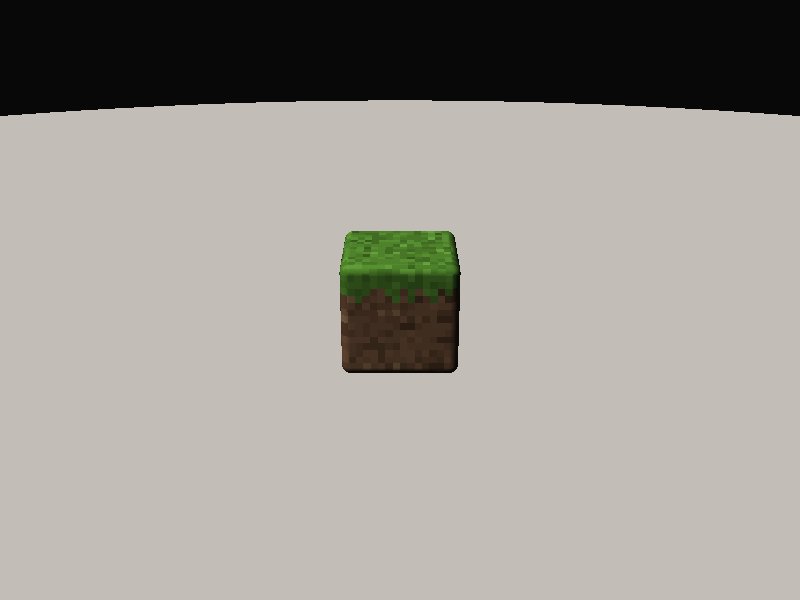
@scene {
  cube.grass;
}

.grass {
  translate: 0 0.5 0;
  texture: url("/textures/grass-side.png");
  image-rendering: pixelated;
}

.grass::top {
  texture: url("/textures/grass-top.png");
}
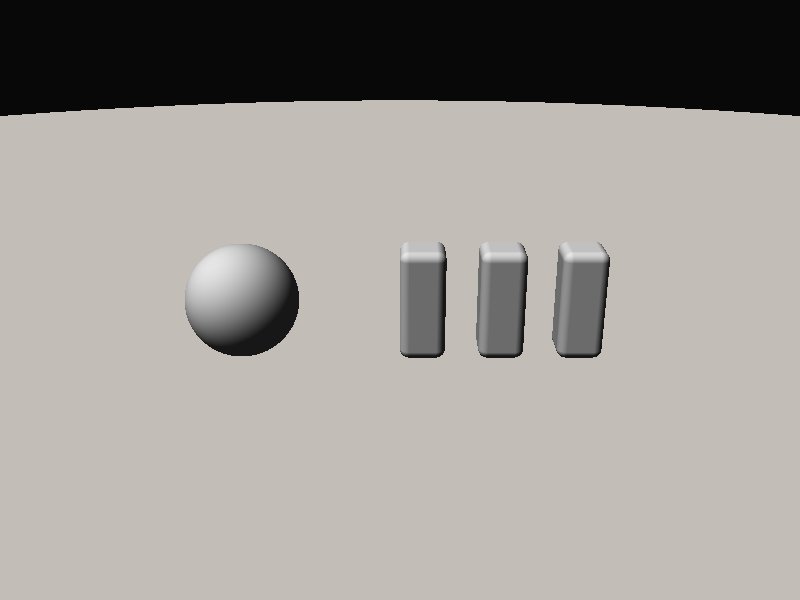
@scene {
  group#letters {
    cube#l1;
    cube#l2;
    cube#l3;
  }
  sphere;
}

#letters {
  translate: 1.6 0.5 0;
}

#letters cube {
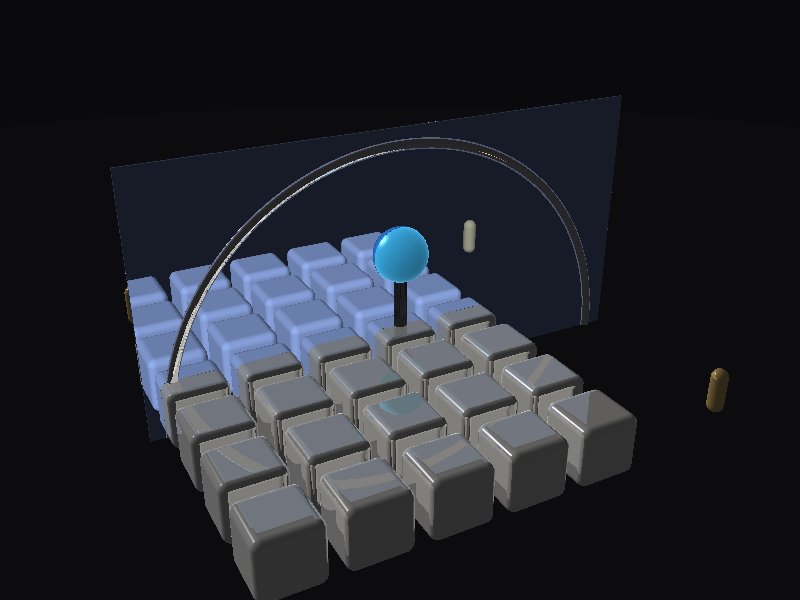
/* Ripple pad: closest cousin to a proximity grid (CodePen-style).
   Hover a cell: it rises with transition. :has() wakes the rim, stem and core.
   Continuous distance falloff is not in GSS yet — this is the group-reaction pattern. */

@scene {
  group#board {
    group#pad {
      group.row * 5 {
        cube.cell * 5
      }
    }
    torus#rim cylinder#stem sphere#core capsule.beacon * 4
  }
  plane#pool
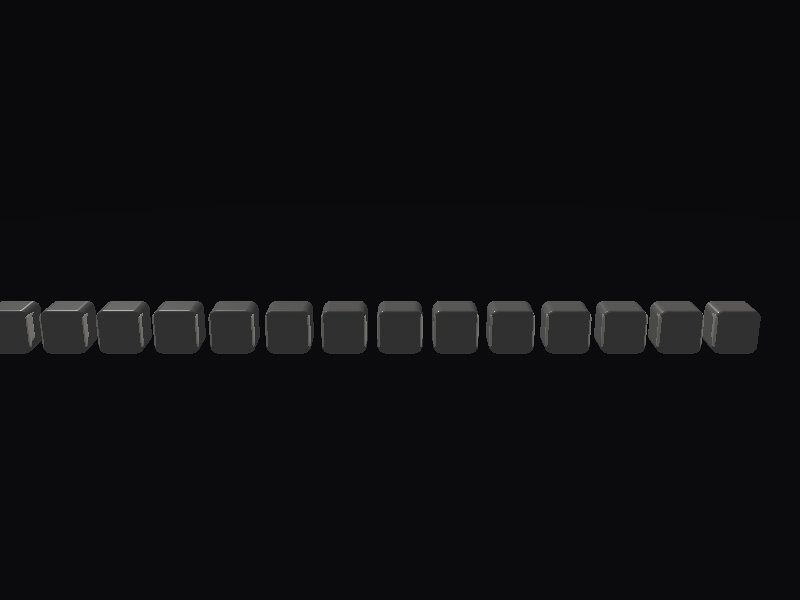
/* Proximity falloff (1D steps): a CodePen-style cousin.
   Hover a cell: it grows most; neighbours follow by + / :has(+…) chains.
   Continuous 2D hypot() falloff still needs a hover index — this is stepped, along the row. */

@scene {
  cube.cell * 14;
}

scene {
  --ink: #e8e6e1;
  --hot: #ff5a36;
  --warm: #ff8f66;
  --soft: #ffc4a8;
  background: #0a0a0c;
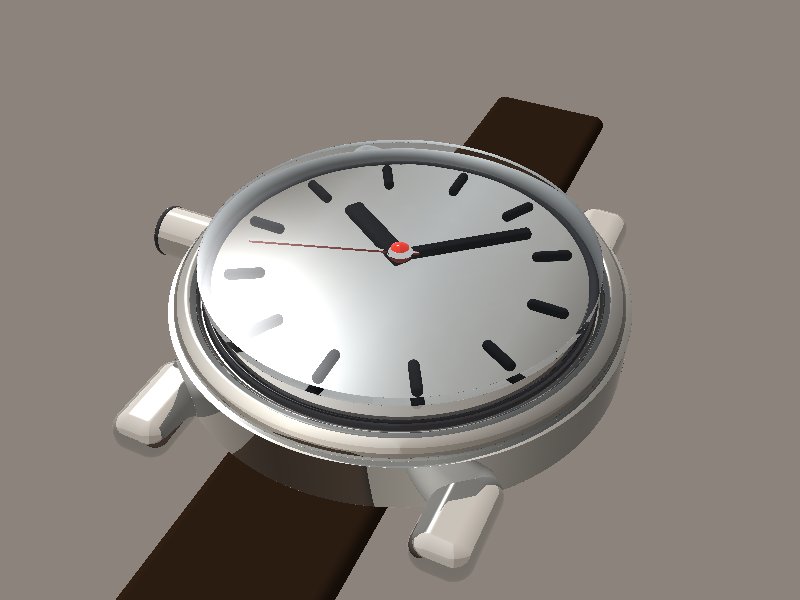
/*
 * ATELIER — MECHANICAL WATCH
 *
 * Realistic product scene built in GSS.
 *
 * Uses:
 * - gradients
 * - oklch()
 * - color-mix()
 * - steps()
 * - sibling-index()
 * - sibling-count()
 * - :has()
 * - variables
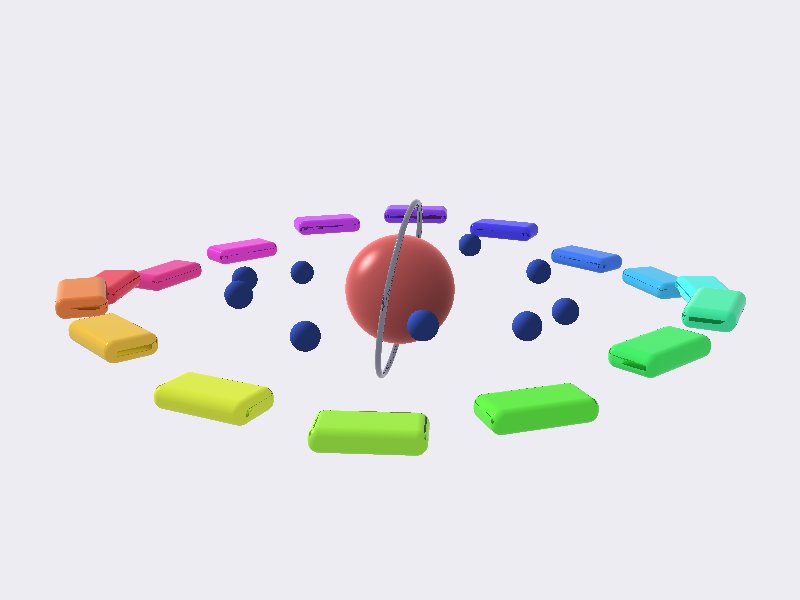
/*
 * ORBIT SEQUENCER
 *
 * A spatial GPU instrument.
 *
 * Hover a key:
 * - it pops out
 * - neighbouring keys react
 * - the inner orbit contracts
 * - the core + halo react
 *
 * Hover an inner dot:
 * - neighbouring dots react
 * - the outer orbit expands
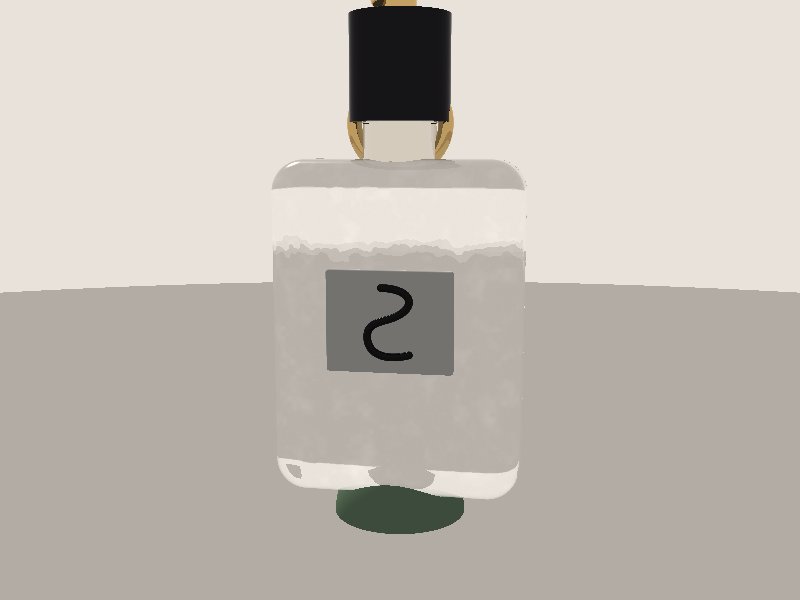
/*
 * SILLAGE
 * Interactive perfume product configurator.
 *
 * Hover a swatch to preview another fragrance.
 *
 * Deliberately small scene:
 * - 1 glass bottle
 * - 1 liquid body
 * - simple metal hardware
 * - 4 interactive swatches
 *
 * No dynamic rule styles a group.
 */
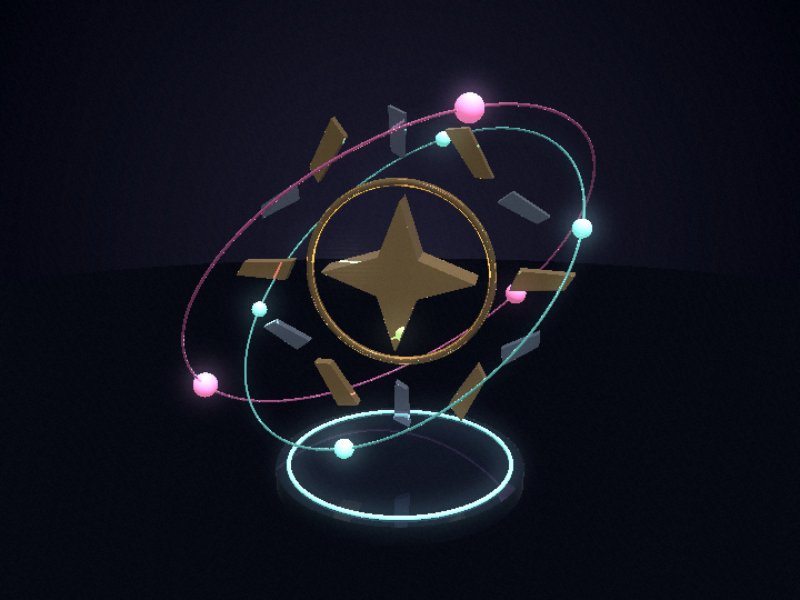
@scene {
  group#reactor {
    group#heart {
      prism#core;
      torus#collar;
    }

    group#crown {
      prism.blade * 12;
    }

    group#orbit-a {
      path.track;
      group.satellites {
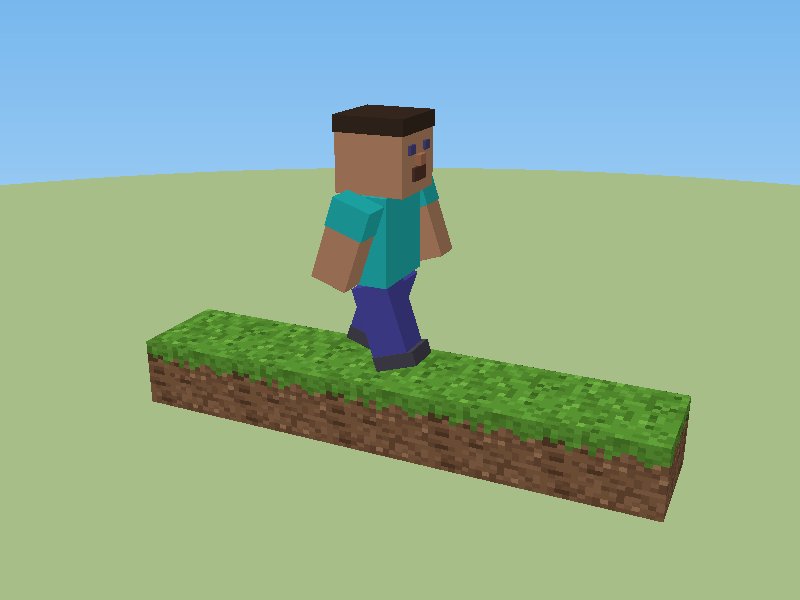
@scene {
  group#terrain {
    cube.grass * 5;
  }

  group#steve {
    group#body-bounce {
      cube.torso;
      cube.head;
      cube.hair;
      cube.eye.left;
      cube.eye.right;
      cube.nose;
      cube.beard;
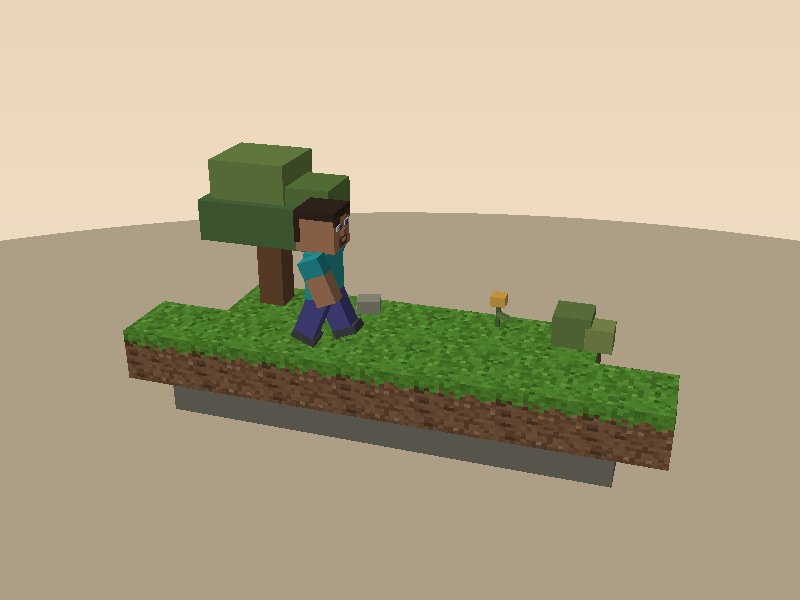
@scene {
  cube#foundation;

  group#front-row {
    cube.grass * 7;
  }

  group#back-row {
    cube.grass * 5;
  }

  group#oak {
    cube.trunk;
    cube.foliage.lower;
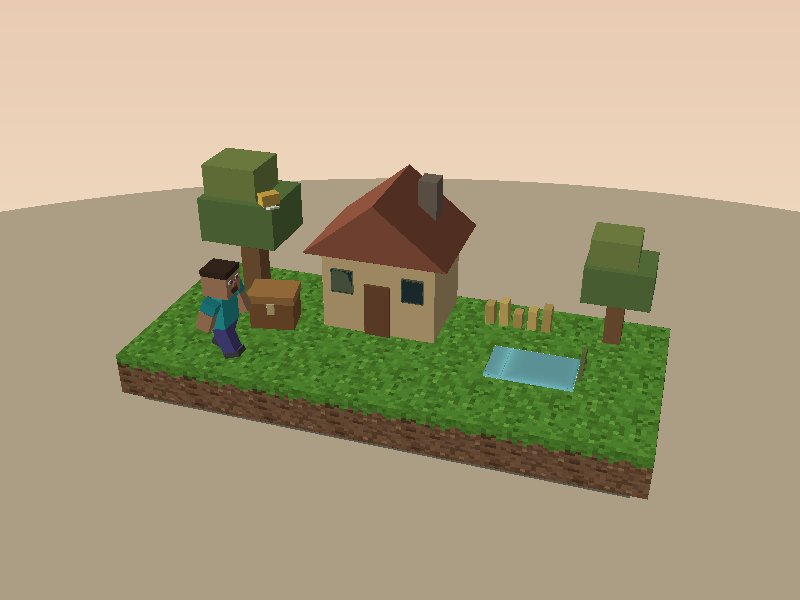
@scene {
  group#village {
    cube#foundation;

    group#terrain {
      group.row * 3 {
        cube.grass * 7;
      }
    }

    group#house {
      cube.wall;
      prism.roof;
      cube.chimney;
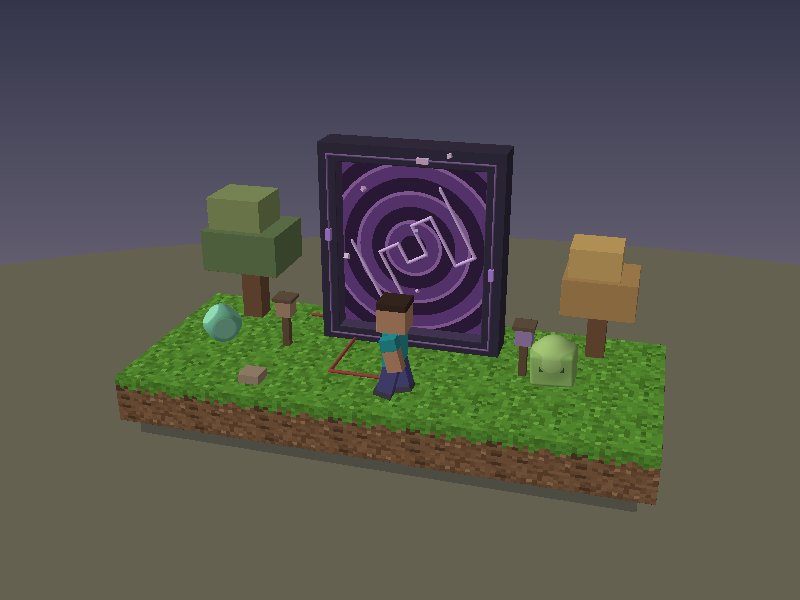
@scene {
  group#world {

    /* CSG FIRST: intersect must precede the scenery. */

    group#crystal-display {
      group#crystal {
        cube#crystal-block;
        sphere#crystal-trim;
      }
    }

    /* The opening subtracts from the existing geometry.
       The crystal is safely outside its bounds. */
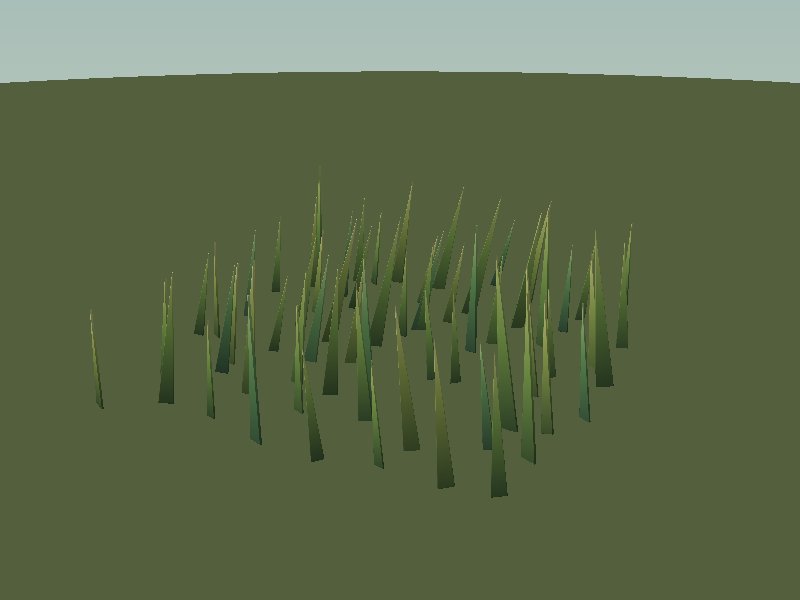
@scene {
  group#field {
    group.tuft * 64 {
      prism.blade;
    }
  }
}

/* ── ATMOSPHÈRE ──────────────────────────────── */

scene {
  background: linear-gradient(
    #a8beb8,
    #e0dfbe